Is There an App That Helps You Text? (Yes, and Here Is How It Works)
If you have ever stared at a text and wished someone would just tell you what to say, that app exists. Here is how texting helper apps work and what to look for.

Yes. The app exists.
You screenshot a conversation. The app reads the context. A few seconds later, you have three reply options in different tones. Pick one, copy it, send it. The blank text field is no longer a problem.
If you have ever stared at a message and wished someone would just tell you what to say, this is what that looks like in 2026.
Is There Really an App That Tells You What to Text?
There is. The category has exploded over the past two years.
The way it works is simple. You take a screenshot of your conversation. The app uses AI to read what the other person said, understand the context, and generate reply options. Most apps give you multiple tones to choose from. Something funny. Something direct. Something warm.
That response took about four seconds to generate. No typing, retyping, deleting, and typing again. No asking your roommate what they think. No staring at the ceiling hoping the right words appear.
The technology behind it is the same AI that powers chatbots and writing assistants. But instead of generating essays or emails, it is trained specifically on conversational tone. The goal is to give you something that sounds like you on a good day.
Who Actually Uses Texting Helper Apps?
The dating use case gets the most attention. But it is not the most common one.
Professional situations dominate. Texting your boss when you are calling in sick. Negotiating rent with your landlord over text. Following up after a job interview without sounding desperate. These are high-stakes messages where one wrong sentence can have real consequences.
Then there is family. Responding to a parent who sends loaded messages. Checking in on a sibling going through something hard. Navigating conversations with relatives where the history is complicated and every word feels weighted.
And yes, dating. The "hey" that needs a response. The conversation that went dry. The moment after a first date when you want to say something but have no idea what.
The common thread across all of these is not the topic. It is the feeling. That freeze when you know you need to say something, the stakes feel high, and your brain goes blank.
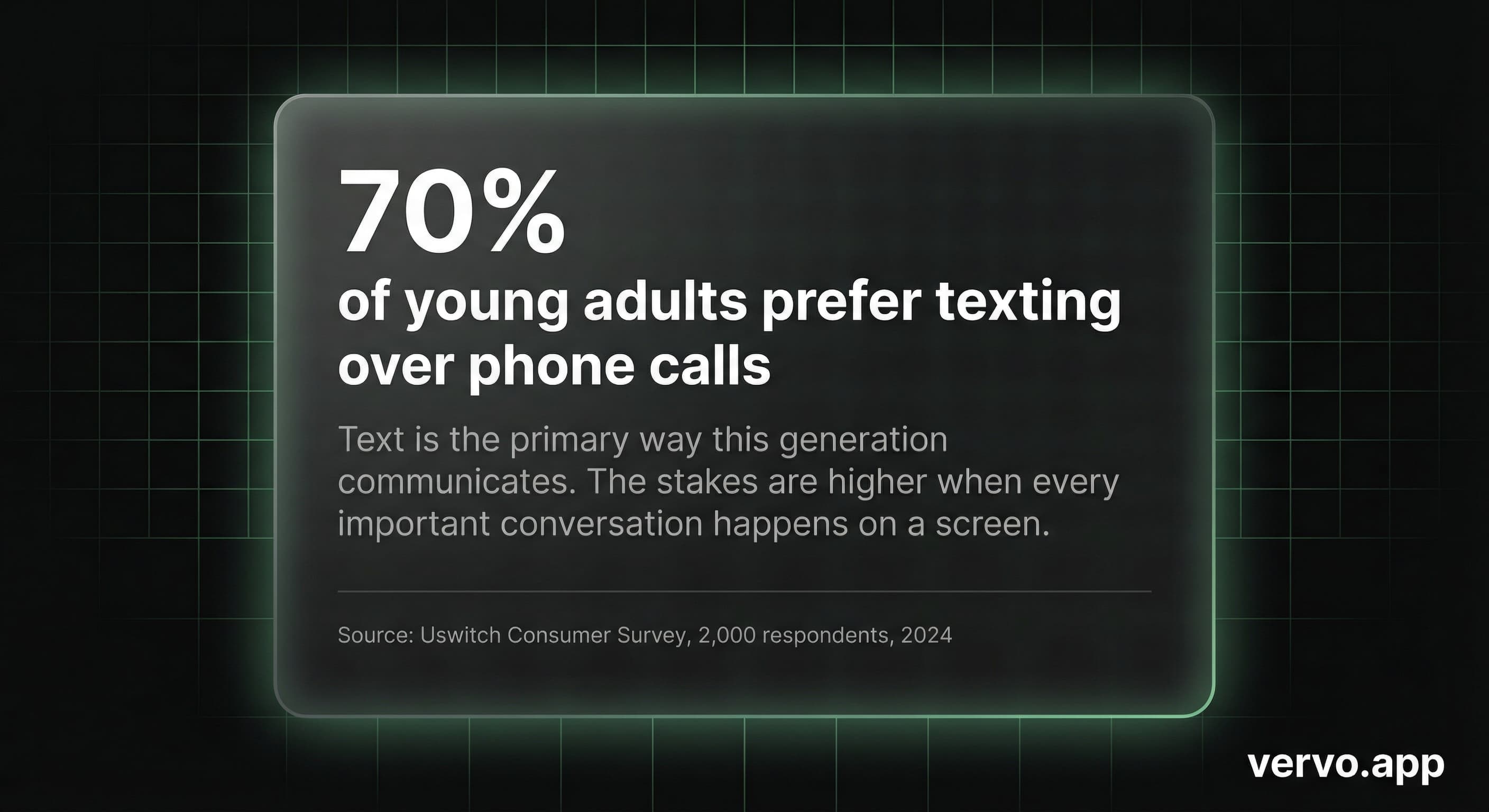
According to research from Montclair State University, Gen Z reports higher daily anxiety than any previous generation. A lot of that anxiety lives in the gap between receiving a text and knowing what to say back.
How Is This Different From Just Asking ChatGPT?
You could open ChatGPT and type: "My landlord texted me saying rent is going up 15%. Help me respond in a way that pushes back but doesn't burn the relationship."
But that takes work. You have to describe the situation. You have to explain the tone you want. You have to remember what was said in the conversation and summarize it. By the time you have done all that, you have spent more energy on the prompt than on the text itself.
Screenshot-based apps skip that step entirely. The app sees the actual conversation. It reads the tone, the context, the history that is visible on your screen. No copy-pasting. No explaining. No hoping you described the vibe correctly.
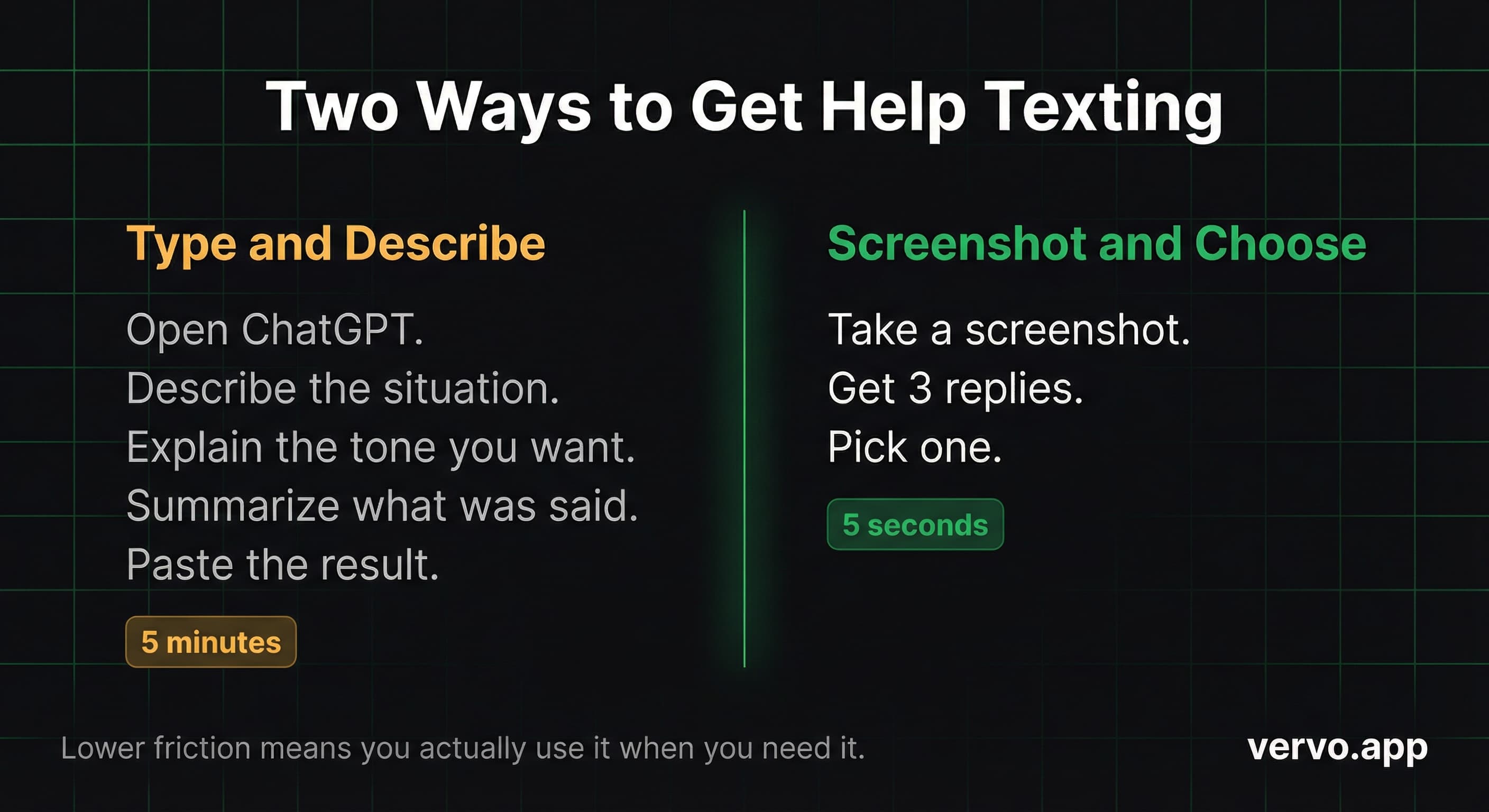
The difference is friction. Lower friction means you actually use it when you need it, instead of abandoning the idea and going back to staring at the blank field.
If you have ever wondered whether there is a screenshot-to-reply app, the answer is yes. That is specifically what this category of tools does.
What Makes a Good Texting Helper App?
Not all of them are built the same. Here is what to look for.
Privacy first. The best apps never touch your keyboard. They never access your messages. They work entirely from screenshots you choose to share. If an app wants permission to read your texts or log your keystrokes, that is a red flag. Screenshot-based tools are inherently safer because you control exactly what the app sees.
Multiple tones. A single suggestion is not that useful. You want options. Something casual. Something professional. Something with a little more edge. The point is to give you choices so you can pick the one that fits how you actually want to come across.
Explains the reasoning. Some apps tell you why they suggested what they suggested. This is underrated. It helps you learn patterns so that over time, you get better at texting without the app. The goal is not permanent dependence. The goal is breaking the freeze.
Works on any platform. iMessage, WhatsApp, Instagram DMs, Slack, Teams. If it is on your screen, you should be able to screenshot it and get help. The best tools are platform-agnostic.
Does This Actually Help With Texting Anxiety?
Yes. And the reason is simpler than you might expect.
The American Psychological Association has documented a phenomenon called choice overload. When you have too many options and no clear right answer, your brain freezes instead of deciding. The blank text field is the ultimate choice overload scenario. You could type anything. Which means you end up typing nothing.
Texting helper apps collapse the infinite options down to three. That is the shift. You go from "what do I say" to "which one of these." The second question is radically easier to answer.
If you have ever overthought a text until you gave up and closed the app, this is what fixes it. Not more thinking. Fewer options.
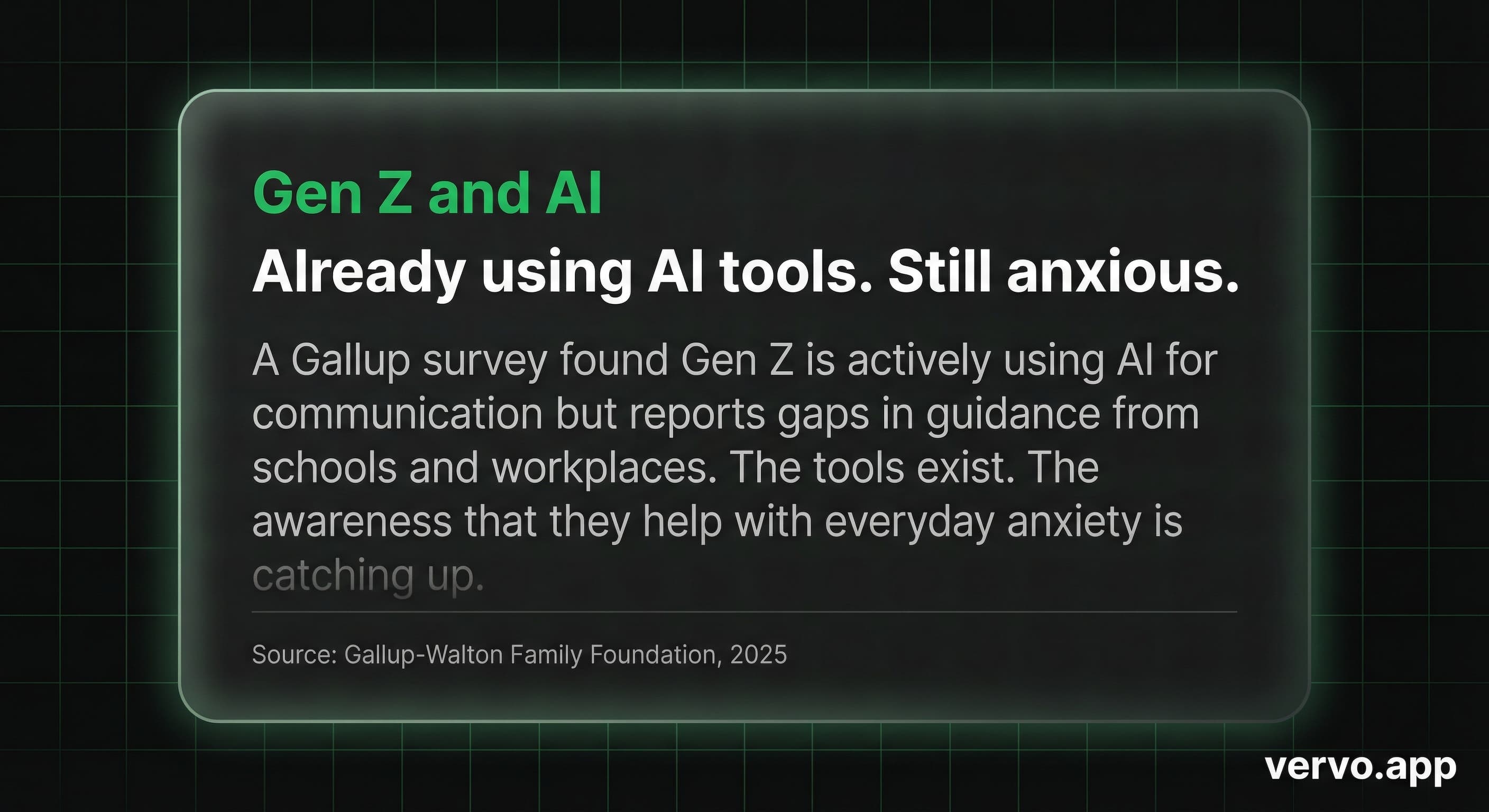
A Gallup study found that Gen Z is already using AI tools for communication but reports gaps in support. The technology exists. The awareness that it can help with everyday anxiety is catching up.
Is It Cheating To Use an App For Texting?
This is the question people ask but rarely say out loud.
Here is the honest answer: nobody calls it cheating when you proofread an email before sending it. Nobody calls it cheating when you Google how to write a thank-you note. Nobody calls it cheating when you rehearse what you are going to say before a difficult conversation.
This is the same category. The words still come from you. You still choose what to send. You still decide whether the suggested reply fits the situation or needs adjusting. The app does not text for you. It gives you a starting point when your brain is empty.
Think about spell check. Nobody feels guilty for using it. Nobody worries that their spelling is "fake" because a tool caught their mistakes. Texting helper apps are spell check for tone. They catch the moments when you are about to send something awkward and offer a better version.
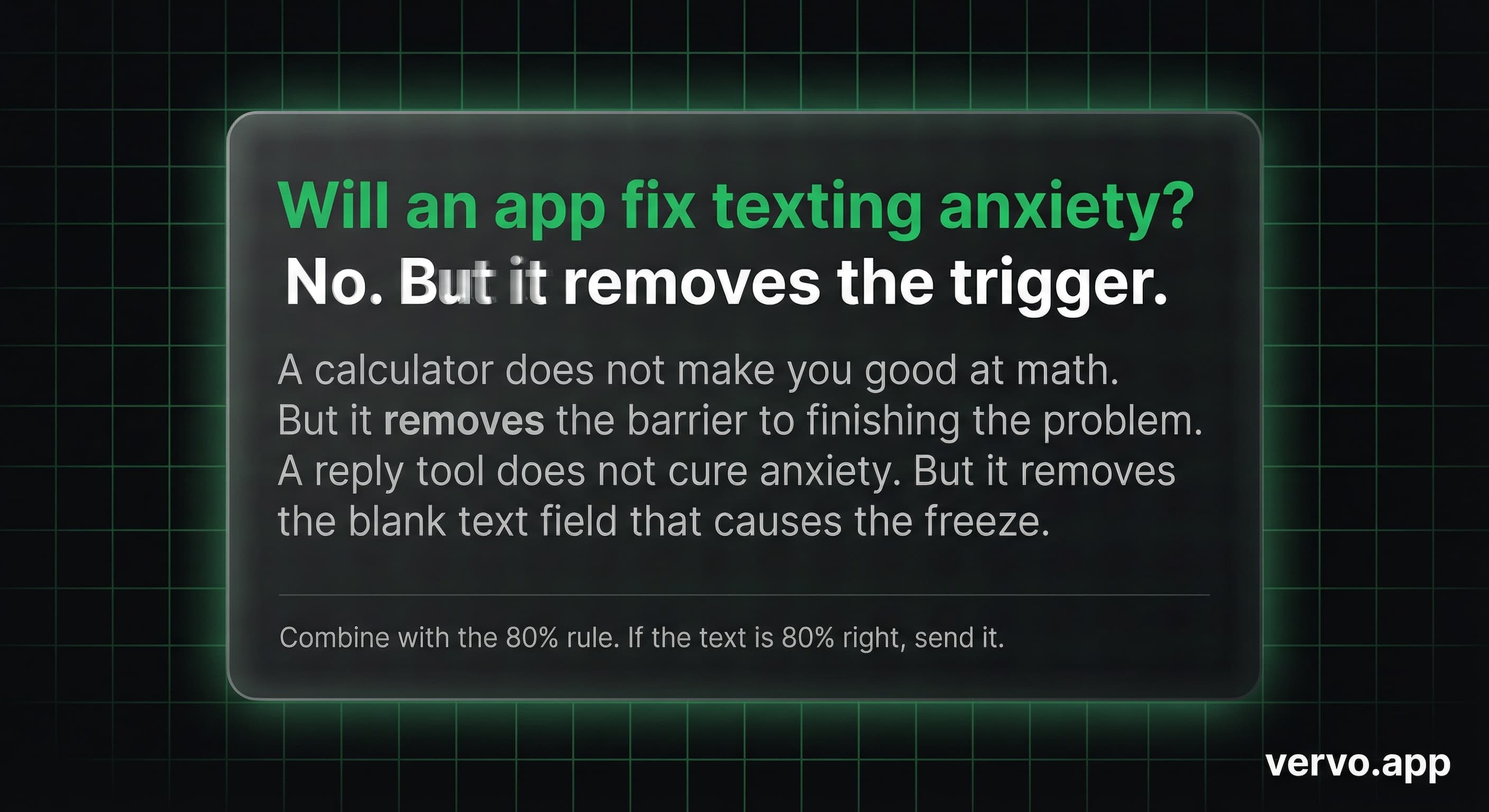
That is not cheating. That is communicating clearly.
If you have ever struggled to text your boss without overthinking every word, you already know the value of having a second opinion. A texting helper app is a second opinion that responds in three seconds.
What Happens After You Start Using One?
Something interesting happens with regular use. You start noticing patterns.
The app might consistently suggest shorter replies than what you would have written. Or it might add a question at the end to keep the conversation going. Or it might avoid starting texts with "I" because that comes across differently.
Over time, those patterns stick. You internalize them. You start texting better even when you are not using the app.
The goal was never to create permanent dependence. It was to break the freeze. To get words on the screen when your brain had none. And gradually, your brain starts having more.
If you want to see how this works, Vervo is built specifically for this. Screenshot, three replies, choose your tone. The blank text field stops being the problem.
Sources
- American Psychological Association, "Choose Quickly or Naught: Paralyzed by a Plethora of Options," APA Spotlight Issue 160
- Uswitch Consumer Survey, 2,000 respondents, 2024
- Montclair State University, "Why Gen Z is More Anxious than Ever," Dr. Yi Luo et al., 2025
- Gallup-Walton Family Foundation, "Gen Z Is Using AI But Reports Gaps in Support," 2025